
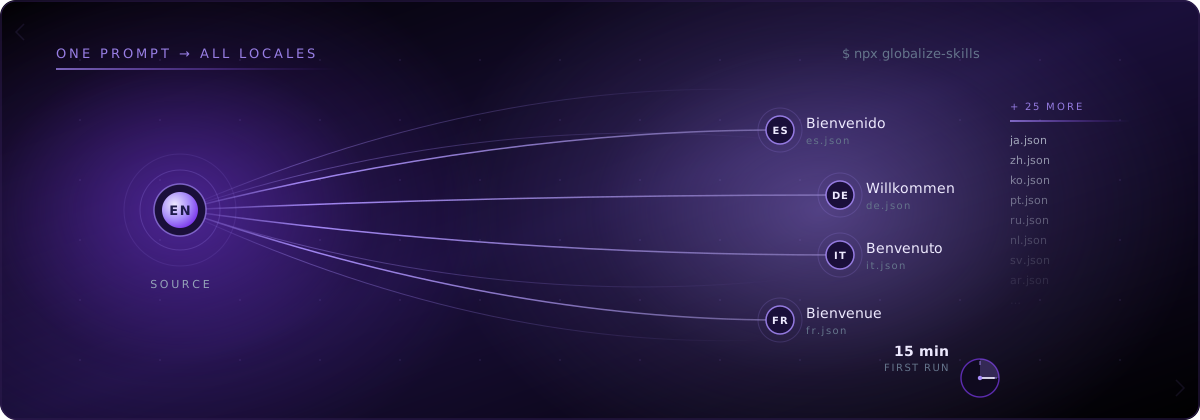
You install one CLI, send Cursor one prompt, and your Next.js project goes from English-only JSX to a working multilingual app with [locale] routing, generated keys, and auto-sync on every push. globalize.now is AI-powered localization infrastructure that does the i18n work Cursor skipped: extracting hardcoded strings, generating next-intl keys and locale files, and keeping translations in sync on every Git push. The walkthrough below assumes a standard App Router project. Total wall-clock time on our test repo: 13 minutes 40 seconds.
What's actually broken when Cursor builds your Next.js UI?
Cursor optimises for working UI, not for architecture. It produces code from natural language instructions and updates parts of code through prompts, which means JSX gets written the way a human would write a quick prototype: text inline, no keys, no locale files, no [locale] segment.
A typical Cursor-generated Next.js page looks like this:
// app/page.tsx
export default function Home() {
  return (
    <main>
      <h1>Welcome to Acme</h1>
      <p>Get started in seconds.</p>
      <button>Sign up</button>
    </main>
  )
}
Three hardcoded strings on one page. A real app has hundreds across dozens of components. The Pages Router used to ship a built-in i18nconfig, but that was removed when the App Router became the default, leaving developers to wire up middleware, dynamic route segments, and an external library like next-intl. Nothing in Cursor's default behaviour does any of that for you.
The result is the pattern we covered in Why your Lovable app's translations break every time you ship: the codebase grows, hardcoded strings accumulate, and "add Spanish next month" turns into a multi-week refactor.
How do I set globalize.now up on a Cursor project?
Connect your repository at globalize.now. The first conversion runs once, in the app: it reads the repo, replaces the hardcoded strings with keys, and opens a pull request you review. Every push after that translates whatever is new.
To drive that first pass from Cursor instead, install the skills from the project root:
npx skills add globalize-now/globalize-skillsThe CLI detects your stack, picks the right preset for Cursor, and installs agent rules into your project. On a Next.js 16 App Router project the output looks like this:
✓ Stack detected: Next.js 16 (App Router)
✓ Editor detected: Cursor
✓ Preset selected: globalize-guide + next-intl
✓ Installed 4 skill files to .cursor/rules/
Done in 1.2s
The skill files live alongside your existing Cursor rules. They tell the Cursor agent how to handle string extraction, how to generate keys consistent with next-intl conventions, and how to wire up the [locale] route segment. Nothing leaves your machine. Your code is not uploaded.
If you are using Claude Code or Codex instead of Cursor, the CLI installs the equivalent skill files for those tools. The flow downstream is identical.
How does the agent extract hardcoded strings from a Cursor codebase?
Open Cursor's agent panel and send one prompt:
Set up i18n for this project. Use English, Spanish, German, and Arabic.The agent loads the installed rules, scans the app/ and components/ directories, and reports back. On a 12-page marketing site the report typically looks like this:
Detected Next.js 16 with App Router.
Found 47 hardcoded strings across 12 components.
Best fit: next-intl. RTL required for Arabic.

Plan:
- Install next-intl
- Move app/* into app/[locale]/*
- Generate i18n/request.ts and middleware.ts
- Extract 47 strings to messages/en.json
- Convert JSX to useTranslations / getTranslations calls

Proceed? (y/n)
The agent is doing what next-intl documentation calls the painful part: middleware, dynamic route segments, request configuration, and component-by-component conversion to use translation hooks. You review the plan and confirm. The agent makes the changes as a single multi-file edit you can accept or reject in Cursor's diff view.
How does it generate next-intl keys and locale files?
After you approve the plan, the agent generates the standard next-intl layout. The repo gains four new things:
i18n/
  request.ts
  routing.ts
middleware.ts
messages/
  en.json
  es.json
  de.json
  ar.json
app/
  [locale]/
    layout.tsx
    page.tsx
    ...
Inside messages/en.json, the 47 extracted strings become namespaced keys grouped by component or route:
{
  "Home": {
    "heading": "Welcome to Acme",
    "lede": "Get started in seconds.",
    "signupCta": "Sign up"
  }
}
The original page.tsx is rewritten to use useTranslations for client components and getTranslations for server components. The split is automatic. The agent reads which components have the "use client" directive and picks the right hook.
The Spanish, German, and Arabic JSON files are generated with first-pass translations that respect a glossary the agent builds from your component and prop names. Brand terms stay in English. RTL handling is wired into the layout: the dir attribute is set from the locale, and CSS logical properties replace fixed left/right utilities where the agent can detect them.
This is the same end-to-end pattern we ran on a production monorepo in What happens when an AI agent internationalizes a real monorepo?. The walkthrough format is the same; the inputs are different.
How does Git-push sync work after the first run?
The first run is one-time. The sync is forever.
Once the agent finishes, you connect the repo to globalize.now in the dashboard. From that point:
Push to main
   ↓
globalize.now diffs against last synced state
   ↓
New hardcoded strings get extracted + keyed
   ↓
Translations generated for every configured locale
   ↓
PR opened with locale file updates
Cursor does not need to be open. Claude Code does not need to be running. The sync happens at the Git layer, so it works no matter which tool wrote the next batch of UI. When Cursor regenerates a component next week and adds three new buttons, those buttons land translated in the next PR.
There is no manual export. No review queue. No CSV roundtrip. The product promise is the same one we documented in How to Globalize Your App with globalize.now: set it up once, auto-sync on every push.
What if you already have hand-written next-intl setup?
The agent reads it first.
If i18n/request.ts exists, the agent adopts your config rather than overwriting it. If messages/en.json already has Pricing.heading, the agent reuses that key instead of generating a new one. If your namespace convention is pricing.heading (lowercase, dotted) instead of Pricing.heading (PascalCase, nested), the agent matches it.
The only thing the agent will refuse to do is silently overwrite an existing locale file. If a key collision happens, it stops and asks. That behaviour is encoded in the skill rules installed by npx skills add globalize-now/globalize-skills, not something you have to configure.
globalize.now handles this. Connect your Next.js repository and the conversion runs once, in the app; the npx skills add globalize-now/globalize-skills skills cover the work that follows in your editor. See how it works at globalize.now.
globalize.now turns hardcoded app copy into translation-ready locale files and keeps them updated as you ship.
Try globalize.now free