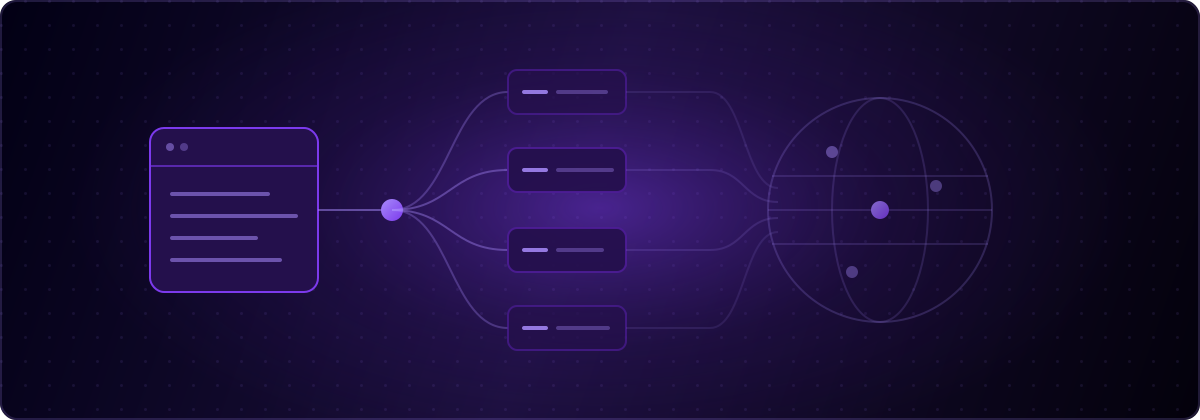
Website localization is the process of adapting a site for each market you serve: translated content, local formats, adjusted layout, and search visibility in every language. It used to require a localization team; today a coding agent and the right infrastructure do the same work in minutes. globalize.now is AI-powered localization infrastructure built for that workflow, and this guide walks through the full process, the tool stack, and the costs.
What is website localization?
Website localization adapts every market-facing part of a site, and translation is only the visible layer. A localized site also formats dates, numbers, and currencies per locale, flips layout for right-to-left languages, serves localized URLs and metadata so it ranks in local search, and words things the way that market actually speaks. The localization glossary covers the terminology in depth; the working distinction is that a translated site can still feel foreign, while a localized one reads as native.
There is a second distinction worth keeping: internationalization (i18n) is the engineering that makes localization possible, moving strings out of code and into locale files. Localization fails or succeeds at that step, which is why this guide starts there.
Why localize your website?
Because most of your potential market does not buy in English. CSA Research's 29-country consumer survey found 76% of shoppers prefer product information in their own language and 40% will not buy in another language at all. Meanwhile the supply side is lopsided: W3Techs measures 49.7% of websites as English-language as of mid-2026, with Spanish and German next at around 6% each. Non-English demand is chronically underserved, which is exactly where a small localized site can outperform its weight.
Pick languages by market signal, not by list size. Your analytics country breakdown, where your customers already come from, and revenue potential per market beat any generic top-10-languages ranking.
What are the steps to localize a website?
Seven steps, in dependency order:
- Pick target languages from market signal. Analytics countries, existing customers, revenue potential.
- Internationalize the code. Move hardcoded strings into locale files with an i18n library. This is the step that used to take weeks.
- Translate with context. Glossary for brand terms, style guide for register, screen-level context for ambiguous strings.
- Localize formats and layout. Dates, numbers, currencies per locale; RTL support if you are serving Arabic, Hebrew, or Persian.
- Handle multilingual SEO. Locale-prefixed URLs, hreflang annotations, translated titles and meta descriptions, localized sitemap.
- QA each language. Check rendering (German strings run long), plurals, and untranslated leftovers.
- Keep it in sync. Every product change adds or edits strings; without automation, languages drift stale within weeks.
Steps 2 through 7 used to be a team's job description. They are now a workflow.
How do you internationalize the code first?
Let a machine do it. Manual i18n means finding every user-facing string, wrapping it in a translation call, choosing keys, and building locale files, which is exactly the kind of mechanical, repo-wide refactor nobody should be doing by hand. Connect your repository at globalize.now and that conversion runs once, arriving as a pull request. If you would rather your coding agent inspect the codebase and propose the plan locally, install the localization skills:
npx skills add globalize-now/globalize-skills
This works whether the site was hand-built or generated: developers run it in Claude Code or Cursor, and builders on AI app platforms get the same flow, including a dedicated path for Lovable apps. If your site already has i18n, the agent detects the setup and keeps your keys and structure instead of starting over.
What about multilingual SEO?
Localized pages only pay off if search engines can find and rank them. Three mechanics matter: each language lives at its own crawlable URL (path prefixes like /de/ are the simplest reliable pattern), hreflang annotations tell Google which page serves which locale, and titles, meta descriptions, and structured data get translated rather than copied. Skipping the metadata is the most common failure: the page is German but its search snippet is English, and click-through rate dies.
Translated pages also compound: they rank for native-language queries your English pages can never touch, in markets where competition is a fraction of the English results page.
What tools do you need for website localization?
The modern stack has four layers, and confusing them costs money. A runtime i18n library (i18next, next-intl) serves translations to users. Localization infrastructure like globalize.now extracts strings, generates keys and locale files, and keeps languages in sync on every push. A traditional translation management system (Lokalise, Crowdin, Phrase) adds translator-workflow management, which matters once you have human translation teams and is unnecessary before that. Translation engines (DeepL, LLM translation) produce the target text and sit under whichever layer you use.
For a typical startup site the honest answer is: a runtime library plus infrastructure, no translation management system, no agency. The AI localization pillar covers why the workflow layer, not the translation engine, is where the time goes.
How much does website localization cost?
The cost drivers are setup labor, per-language fees, and ongoing maintenance, and all three have collapsed. Traditional stacks price per seat and per language before you translate a word, plus agency fees for the i18n refactor. The agent-native model prices usage instead: the globalize.now Starter plan is €20 per month per workspace including €20 of translation credit (about 200,000 words), then usage at the same per-character rate, with no per-seat or per-language charges and a €5 starting credit with no card.
The bigger saving is the labor you do not hire: no i18n refactor project, no localization manager, no sync process to run.
How do you keep a localized website in sync?
Automate it at the repository, because drift is the failure mode that kills localized sites. Every feature you ship adds strings; every copy tweak edits them. If translation is a manual step, your German site is three releases behind within a month, and a stale translation reads worse than no translation. The fix is structural: translation triggers on every Git push, updated languages arrive as a pull request, and merging keeps every market current. Set it up once and the sync problem stops existing.
globalize.now handles steps 2 through 7. Set it up once and every push ships in every language.
globalize.now turns hardcoded app copy into translation-ready locale files and keeps them updated as you ship.
Try globalize.now free